

Player Referrals
Invite your friends and earn rewards when they start playing.

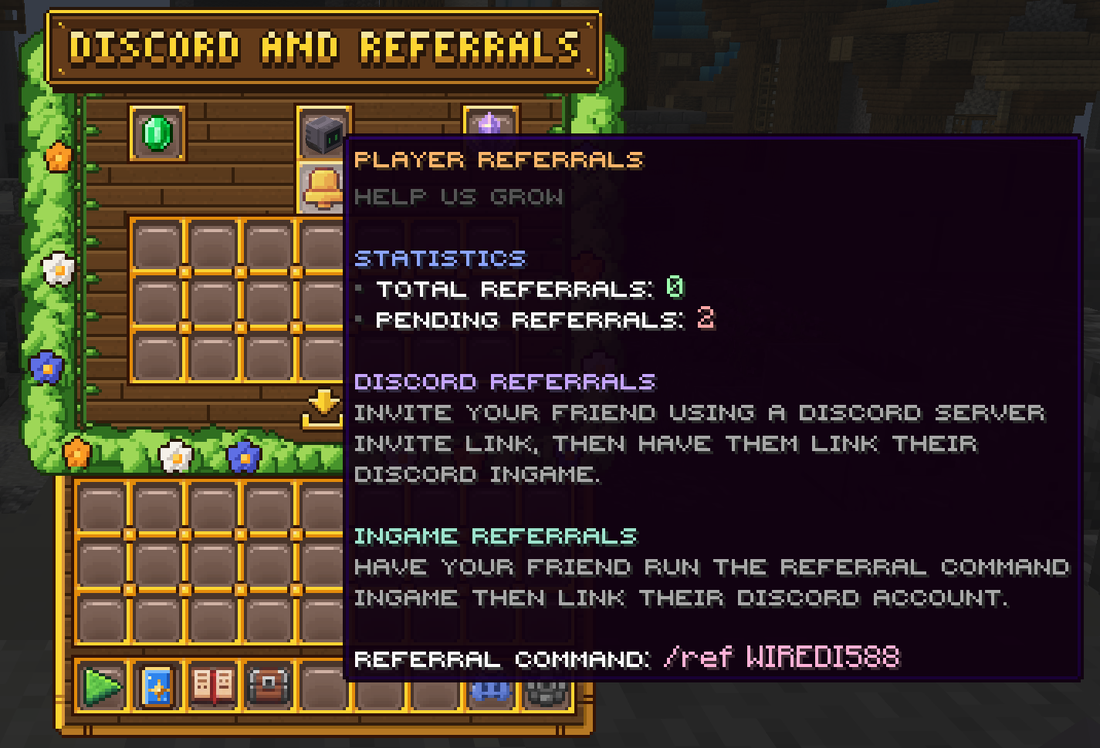
Invite your friends to Craft Royale and earn rewards when they start playing. Open the Discord and Referrals menu with /referrals or /discord. You need to link your Discord account first.
Inviting Friends
There are two ways to refer a friend:
- Through Discord: invite them with a Discord server invite link, then have them link their Discord in-game.
- In-game: have them run your referral command in-game, then link their Discord. Hover the bell to find your command.
Either way, your friend needs to join both the Discord and the server, with their Minecraft and Discord accounts linked.
Pending Referrals
Once your friend has linked their accounts, they count as a pending referral. When they finish a minimum amount of gameplay, the referral counts and you get your rewards. Hover the bell to see your total and pending referrals.
Claiming Rewards
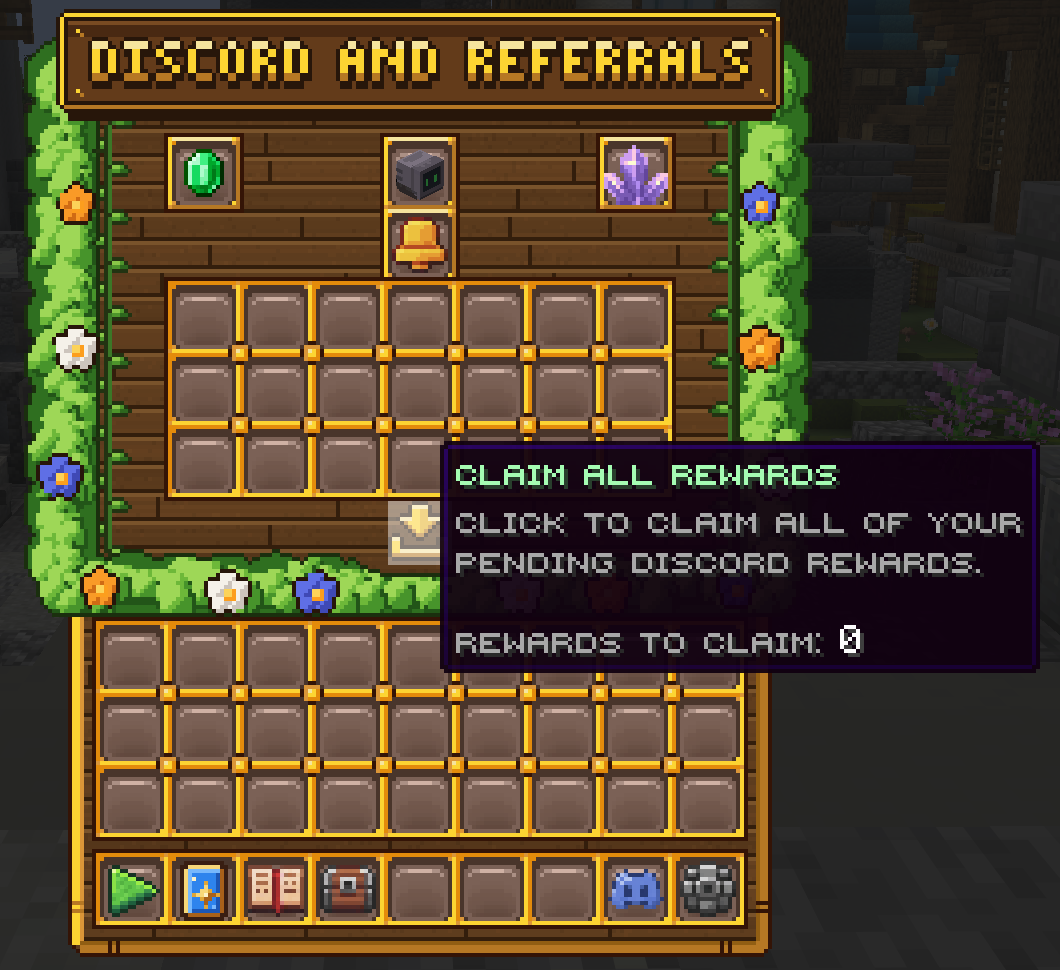
Every reward you earn shows up in this menu. Click a reward to claim it, or use Claim All to claim everything at once. Rewards include coins, packs, boxes and more.
There are more ways to earn rewards through Discord. See the Discord Rewards guide.
